Step 3 - Cancel Pending Emails
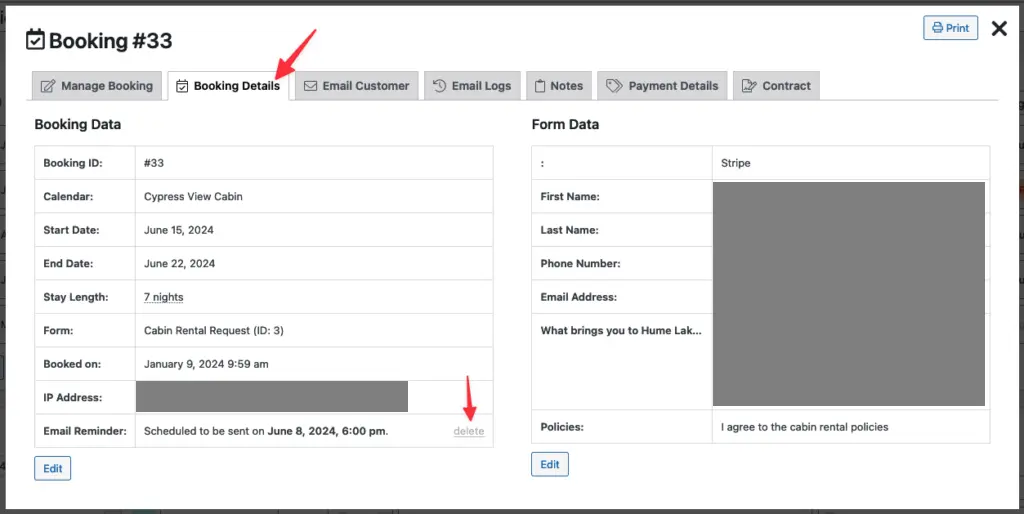
When viewing the booking details screen, click the tab for Booking Details
At the bottom of the left column, you may see one or more "Email Reminder" messages that are scheduled. Click Delete to the right of each message so it is no longer scheduled to be sent to the renter.